
Background Whitener — Bulk AI White Background Photos, Any Backdrop

Background Whitener

Turns any product photo backdrop — flat colour or complex scenes like grass and cluttered rooms — into pure white (#FFFFFF) and frames it marketplace-ready. Runs fully in your browser; your first 3 downloads are free, then pay only for what you download.

0 images loaded
Sign in for 3 free downloads

Photos

Cutout method: AI · automatic
Runs on every photo automatically — no tolerance to set. Need manual control on one tricky shot? Flip just that photo to Colour mode from its “Flag for fixing” panel.
How aggressively the AI trims the edge. Higher = tighter, cleaner white — soft halo and stray fringe get snapped to white; lower keeps more soft edge detail (wispy hair, feathered edges). The product core is always protected. Default 85.
Trust AI fully on single photos
Single product photos (a whole car, a piece of furniture) are cut out purely by the AI and trusted, giving the cleanest edge with no leftover background halo. Leave this on for best results. If a single item ever comes out over-trimmed, turn it off to re-enable the extra safety guard. (Only affects single photos, not collages.)

Queue

Bulk white-background editor

Turn any background pure white — in bulk

Drop a batch of product photos and preview the clean cut-outs free — no account needed. Your first 3 downloads are free.

Drop photos here or click to browseHundreds at once is fine · JPG & PNG

Any background → pure white

Flat colour or busy scenes — grass, rooms, clutter. AI finds the product, not the backdrop.

Runs in your browser

Photos never leave your device. Nothing is uploaded — fully private processing.

Marketplace-ready framing

One-click fill %, canvas size and file names for Amazon, eBay, Etsy and more.

How it works

Quick version
01

Drop your photos

Drag a batch into the dropzone — hundreds at once is fine.

02

Let AI handle it — or tune

AI cutout runs automatically on every photo. Tune a single tricky shot by hand only if you want to.

03

Process & review

Click Process all, then open any result full-size to check it before you commit.

04

Download the ZIP

Sign in to grab the finished batch as a ZIP — your first 3 downloads are free, then you only pay for the photos you download.

For professionals Pro tools

Running hundreds of listings or client work? These are the controls built for volume.

  • Batch, then fix outliers — Process the whole batch in one pass, then fine-tune only the few photos that need it — individually, without touching the rest.
  • Marketplace profiles — Bundle fill %, export size and filename suffix into one click, applied to the whole batch — Amazon, eBay, Etsy, Shopify.
  • AI ⇄ Colour override — Flip one stubborn photo from AI cutout to manual Colour-tolerance mode whenever you want hands-on control.
  • Two-tab editor — Resize & Position for framing and fill %, Zoom, Crop & Paint for tight crops and manual touch-ups — previewing your exact export canvas.
  • Private, browser-side — Everything runs in your browser. Photos never leave your device — only your account and credits live on our server.
Every feature, in detail

Collage grid & dividers

Off by default — switch it on for multi-cell collage photos to redraw crisp divider lines between cells; drag, add or remove lines and save layouts as presets.

Marketplace profiles

Named profiles bundling fill %, export canvas size and filename suffix — switch a whole batch between marketplaces in one tap.

Per-photo editor

A two-tab frame editor: Resize & Position (30–100% product fill) and Zoom, Crop & Paint (up to 300%), previewing the real export canvas.

AI ⇄ Colour override

AI object cutout is the default on every photo; switch an individual photo to flat-colour tolerance mode from its Flag-for-fixing panel.

Tolerance & edge feather

Per-photo, Colour-mode only: fine-tune backdrop tolerance and edge softness on a single photo — they do not apply to AI cutout.

Browser-side privacy

All processing, editing and ZIP packaging happen locally in your browser tab. Your images are never uploaded.

1 photo = 1 credit · from A$1 · unlimited plans from A$19/mo

From any backdrop to a marketplace-ready photo — one tool, not three

Background Whitener replaces the usual stack — a cutout tool, a resize app, then manual renaming — with a single pass. Drop in photos with any backdrop, flat colour, uneven studio lighting, or complex scenes like grass, trees and cluttered rooms, and AI-powered object segmentation finds the product itself, lifts it onto pure white (#FFFFFF), and frames it to the fill percentage, canvas size and filename a marketplace expects. Marketplace profiles bundle Amazon, eBay, Etsy and Shopify's specs into one click, applied to a whole batch at once — and your first 3 downloads are free, then you only pay for the photos you keep.
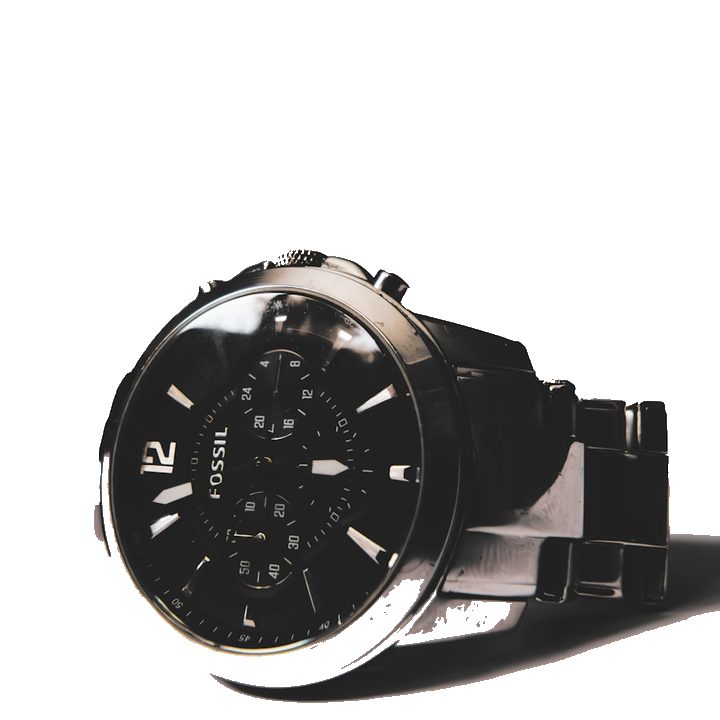
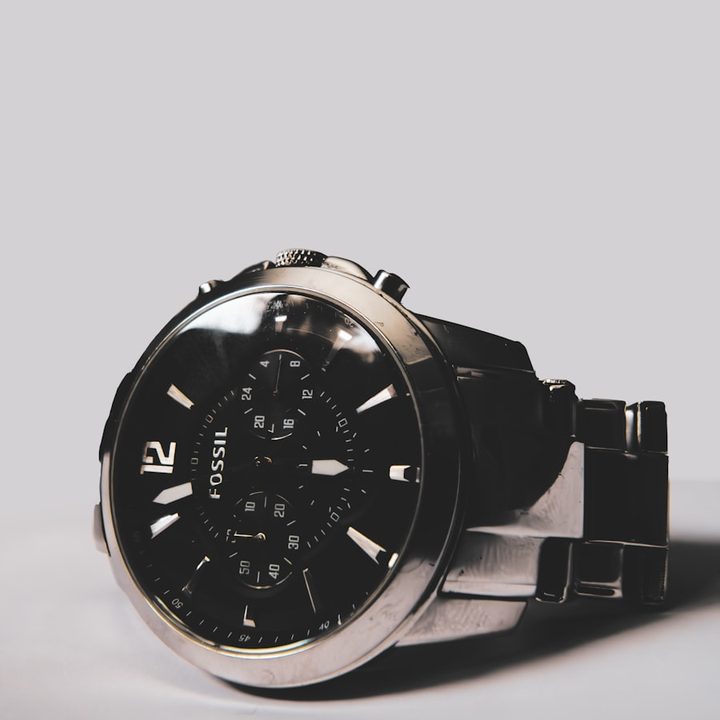
After: wristwatch product photo with pure white background
Before: wristwatch product photo on grey background
BEFOREAFTER
Watch on grey studio backdrop · tolerance 60 · drag to compare
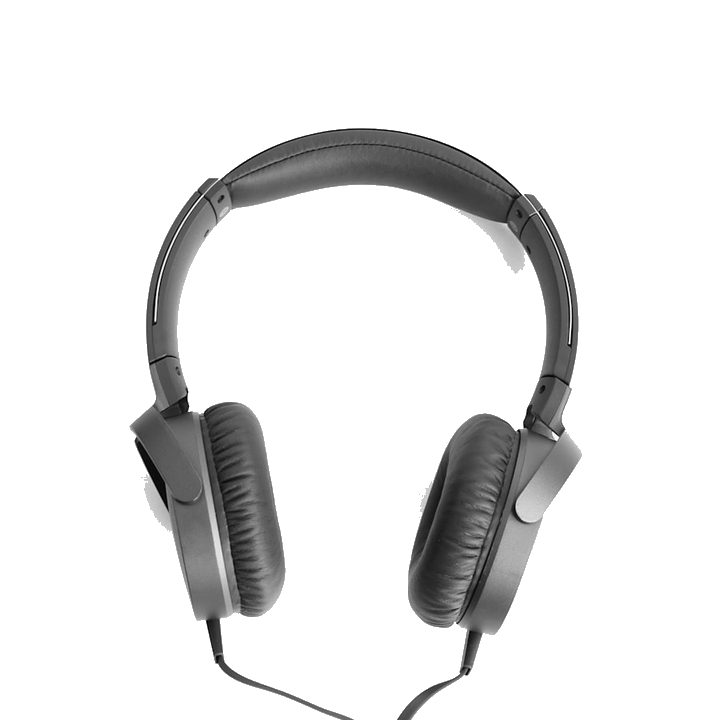
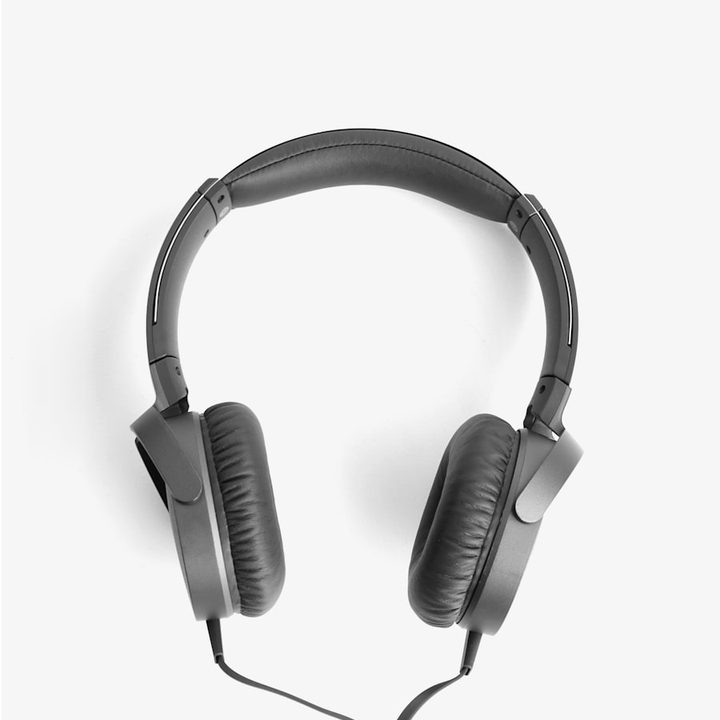
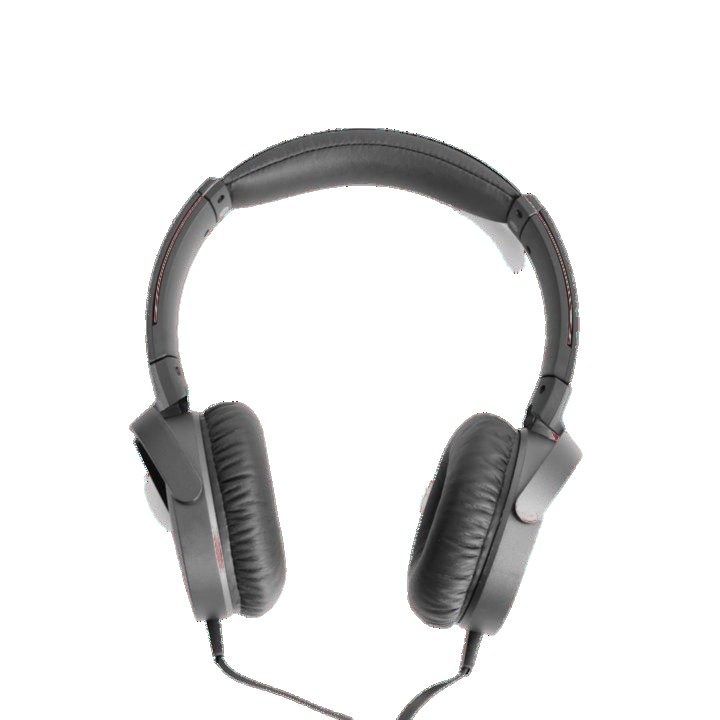
After: headphones product photo with pure white background
Before: headphones product photo on grey background
BEFOREAFTER
Headphones with soft shadows · tolerance 30 · drag to compare
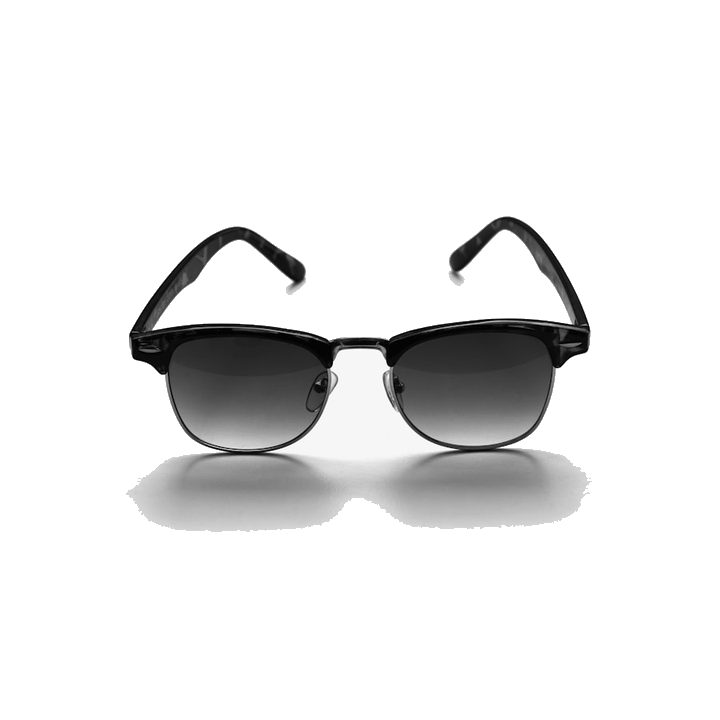
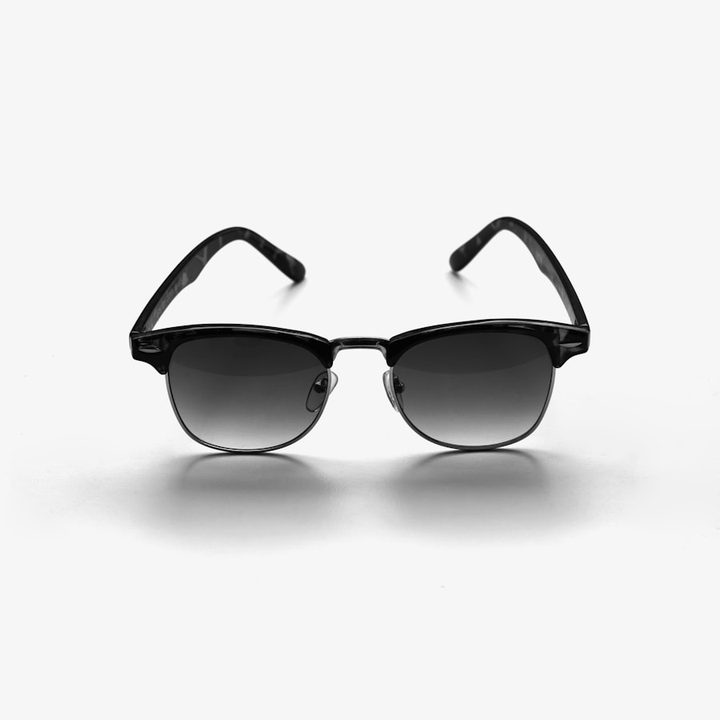
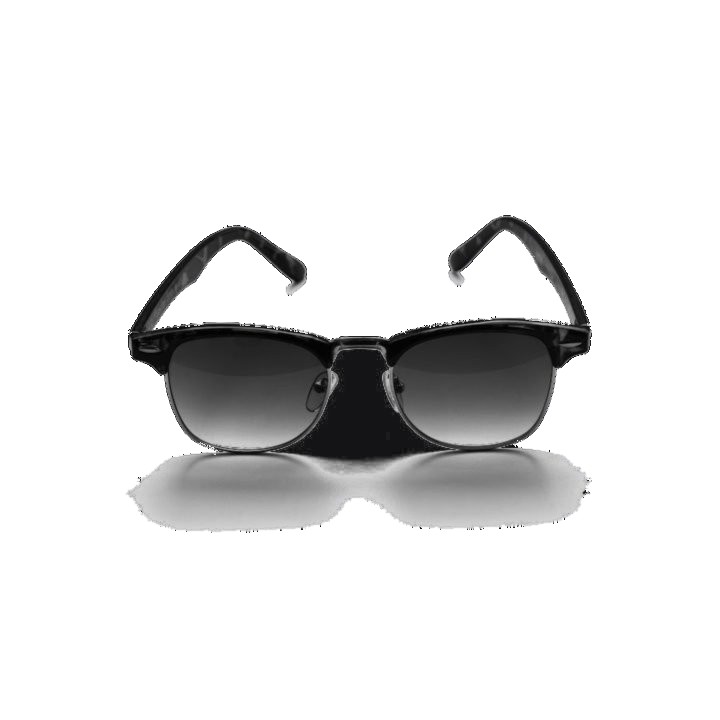
After: sunglasses product photo with pure white background
Before: sunglasses product photo on off-white background
BEFOREAFTER
Sunglasses on off-white paper · tolerance 25 · drag to compare
After: headphones product photo with pure white background
Before: headphones product photo on red background
BEFOREAFTER
Headphones on red backdrop with shadow · tolerance 53 · drag to compare
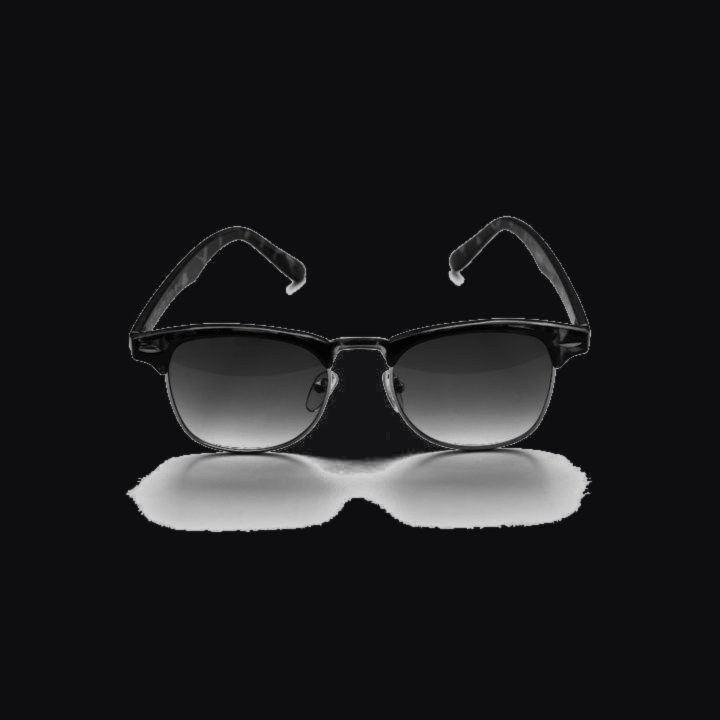
After: sunglasses product photo with pure white background
Before: sunglasses product photo on black background
BEFOREAFTER
Sunglasses on black backdrop · tolerance 18 · drag to compare

See it before you pay

Upload, process and preview every photo free — no account needed. Create a free account for 3 free downloads, then pay only for the extra photos you download.

Dial in the exact result

Move the background tolerance slider back or forth: higher clears deeper shadows, lower protects light-coloured parts of the product.

Bulk changes, hundreds at once

Drop a whole folder. Every photo is processed with the same settings, then reviewed one by one with view, flag and re-edit for each.

Buy only what you're happy with

Every verified account gets 3 free downloads. After that, credits are spent per downloaded photo — 1 credit each. Skip the ones you don't like and they cost nothing.

JPG and PNG in, JPG or PNG out

Works with the formats marketplaces and web stores want. Choose the output format per batch.

User friendly, no Photoshop

A dropzone, a few sliders and one Process button. No layers, masks or design skills needed.

Fix individual photos

Flag any result, adjust tolerance or feather just for that photo and reprocess it without touching the rest of the batch.

Private by design

Whitening runs inside your browser tab. Your product photos are never uploaded to a server.

Who is this for?

Online sellers who need a bulk background remover for hundreds of listings at once; photographers and studios cleaning up shots with uneven grey backdrops or harsh shadows; small brands and dropshippers batch-preparing catalogue and marketplace images; anyone who needs to remove a complex or busy background — grass, trees, pavement, cluttered rooms, outdoor scenes — not just flat grey or white, without Photoshop or a per-image background removal service. Works as a product photo background editor for e-commerce, catalogue and marketplace photos on Amazon, eBay, Etsy and Shopify. Preview and editing are free with no account — create a free account for 3 free downloads, then pay only for the photos you download.

Frequently asked questions

Privacy, marketplace rules, formats, credits and refunds — the short version.

Who is Background Whitener for?
Online sellers preparing bulk listings, photographers and studios cleaning up shots with uneven or busy backdrops, small brands batch-preparing catalogue images, and anyone needing to remove a complex background — not just flat grey or white — without Photoshop.
Are my photos uploaded anywhere? Is this private?
No. All whitening, grid drawing and ZIP packaging happen inside your browser tab using your own computer. Your photos never leave your device and we never see them. The only things stored on our server are your email, your credit balance and payment records.
Does this meet the Amazon white background rule?
Amazon requires the main product image to have a pure white background (RGB 255, 255, 255). Background Whitener sets every background pixel to exactly #FFFFFF, which is what Amazon checks. It does not crop or resize, so make sure your product still fills roughly 85% of the frame and the image is at least 1000 px on the longest side, as Amazon also requires. eBay, Etsy, Shopify and Google Shopping all accept the same pure white result.
Which photo formats are supported?
Upload JPG or PNG (plus anything else your browser can open, such as WebP). Download as JPG or PNG — choose the output format in Settings before you process. JPG gives smaller files for listings; PNG keeps lossless quality.
Is it free to try?
Yes. Uploading, processing, previewing and editing are completely free, with no account needed. To download, you create a free account and verify your email — your first 3 downloads are free. After that you pay only for the photos you choose to download (buy credits or take an unlimited plan).
How do credits work?
Every verified account gets 3 free downloads to start. After that, one credit equals one downloaded photo. Buy a pack from A$1 for a single photo up to A$97 for 1000, or take an unlimited monthly (A$19) or yearly (A$99) plan. Credits never expire and are tied to your account, so they work from any device. Downloading the same processed photo again in the same session does not cost a second credit or free download.
What is the refund policy?
New accounts get 3 free downloads (after verifying your email) so you can test the results before buying. Credits do not expire: unused credits remain valid on your account indefinitely. Purchased credits are not refundable once bought, except where a download fails because of a technical error on our side. Subscriptions can be cancelled at any time and stay active until the end of the period already paid for; there are no partial refunds for unused time except where required by law. Billing errors such as a duplicate charge are always refunded, and for a technical failure we will refund the credit or provide a replacement. See the full Refund Policy linked in the footer.
Some grey shadow is still showing — what do I do?
Raise the Background tolerance slider and process again. Higher tolerance clears darker shadows and colour casts; if it starts eating into a light-coloured part of the product, lower it a little or fix just that photo from the lightbox with its own tolerance and feather. For any stray grey the automatic pass leaves behind, open the photo and use the paint brush in the “Zoom, Crop & Paint” tab: choose “Paint white” and brush over the area to whiten it by hand — adjust the brush size, and use “Restore original” or Undo if you go too far.
Can I fix edges by hand?
Yes. Open any photo and switch to the “Zoom, Crop & Paint” tab for a manual touch-up brush. “Paint white” lets you wipe away leftover grey, shadows or stray specks by brushing over them; “Restore original” paints real photo detail back if the AI trimmed too much. Adjust the brush size for fine edges or big areas, zoom in for precision, and Undo reverses your last strokes — it all runs in your browser and only affects that one photo.
Does it work on complex backgrounds — trees, grass, cluttered rooms — or only flat colours?
Yes. AI-powered object segmentation finds the product itself rather than reading backdrop colour, so it handles complex, non-flat backgrounds — grass, trees, pavement, cluttered rooms — not just flat colour backdrops. It's not designed for people or portraits.
What is the collage grid, and can I change it?
The collage grid is off by default — most photos don't need it. Turn it on only for multi-cell collage photos: the tool then redraws the divider lines between cells so they stay crisp after whitening. The default matches a common 1 + 3 layout, but you can drag lines, add or remove them, set exact positions, and save your own layouts as presets. Leave it off for single-product photos.
How many photos can I process at once?
Hundreds. Processing speed depends on your computer, since the work happens in your browser — a typical laptop handles a 2000 px photo in well under a second. Very large batches simply take a little longer; you can watch progress and review results as they finish.
Do I get a receipt?
Yes. Stripe emails a receipt to your account email after every purchase, and your full purchase and credit history is available on your Account page at any time.